
Designing digital experiences for a custom wheelchair system.
Configurator
·
3D Scanning Software
·
Shipped Project
UX/UI Designer · May, 2026
PRODUCT
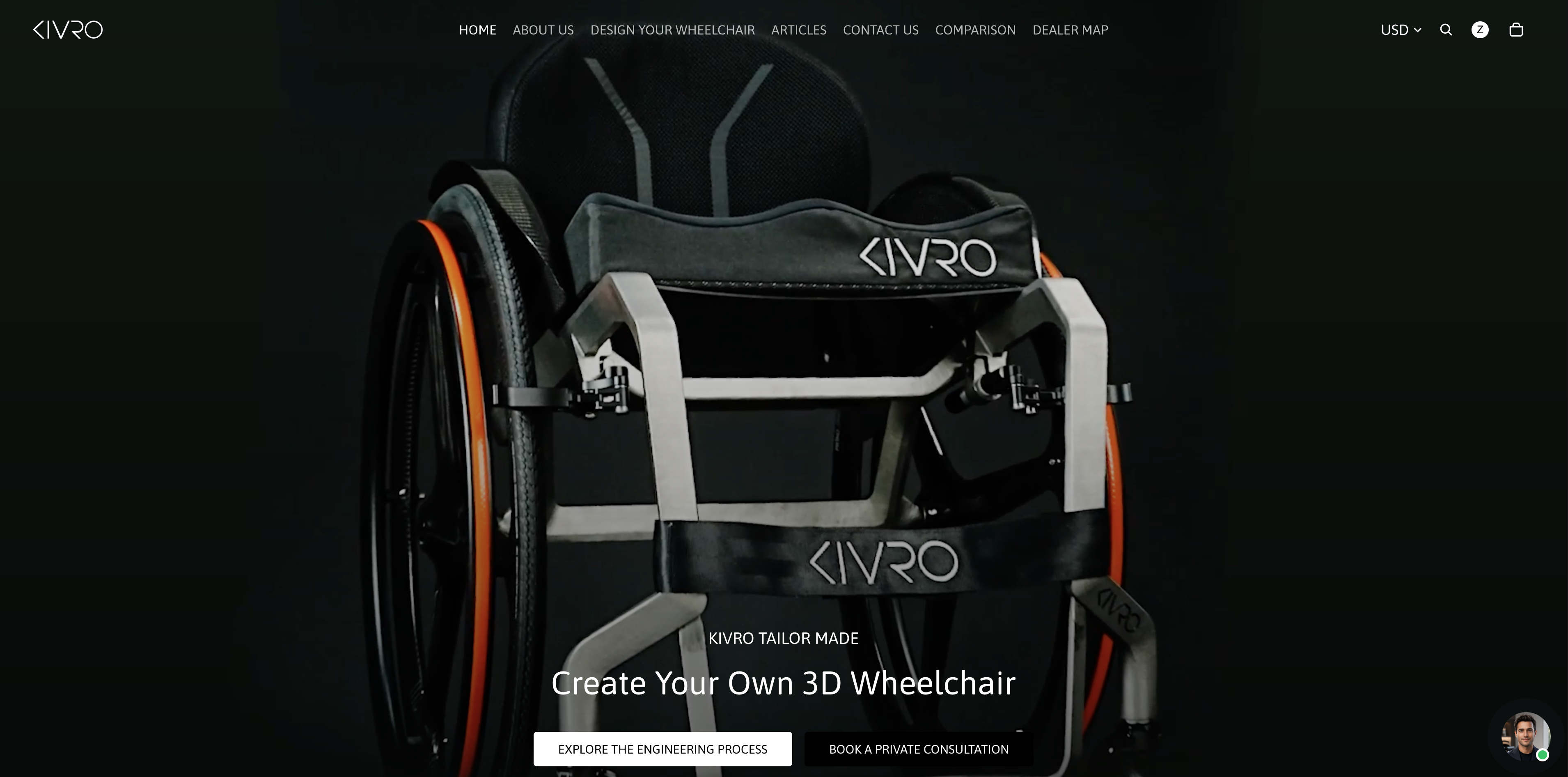
A wheelchair engineered around the individual.
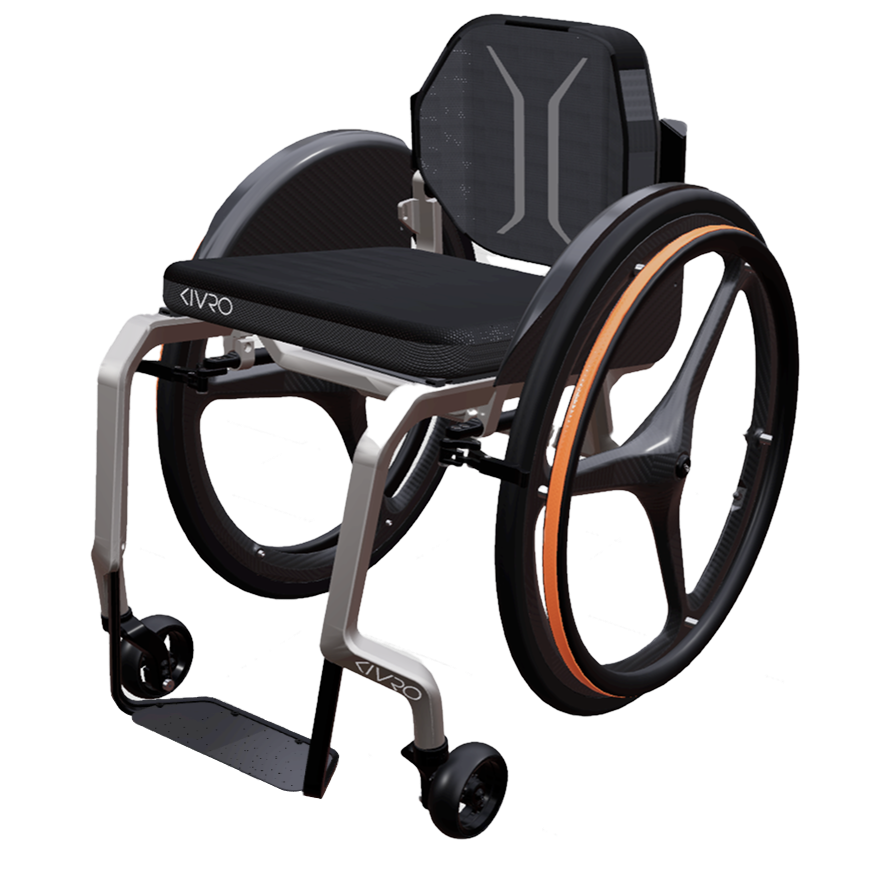
KIVRO is a premium custom titanium wheelchair system that combines anatomical scanning, digital modeling, and individualized configuration.
01
3D SCAN
02
BODY DATA
03
DIGITAL MODEL
04
CUSTOMIZE
05
TITANIUM BUILD
CONTEXT
One product. Two digital contexts.
CUSTOMER / SALES
Explore
Configure
Visualize
Decide
The configurator needs to make technical choices approachable, visual, and easy to navigate.
PROFESSIONAL / CLINICAL
Scan
Measure
Interpret
Customize
Professional tools prioritize precision, data visibility, and operational clarity.
Challenge
01
Clear Choices
Make complex customization options easy to understand and navigate.
02
Visual Understanding
3D/2D models show how technical choices affect the physical wheelchair.
03
Professional Trust
Build reliable experience for both customers and clinical use.
My role
Configurator Framework
UX structure · Navigation · Interface
3D Scanner Software
UX structure · Data Visualization · Interface
CONFIGURATOR FRAMEWORK
Keeping complex customization in context.
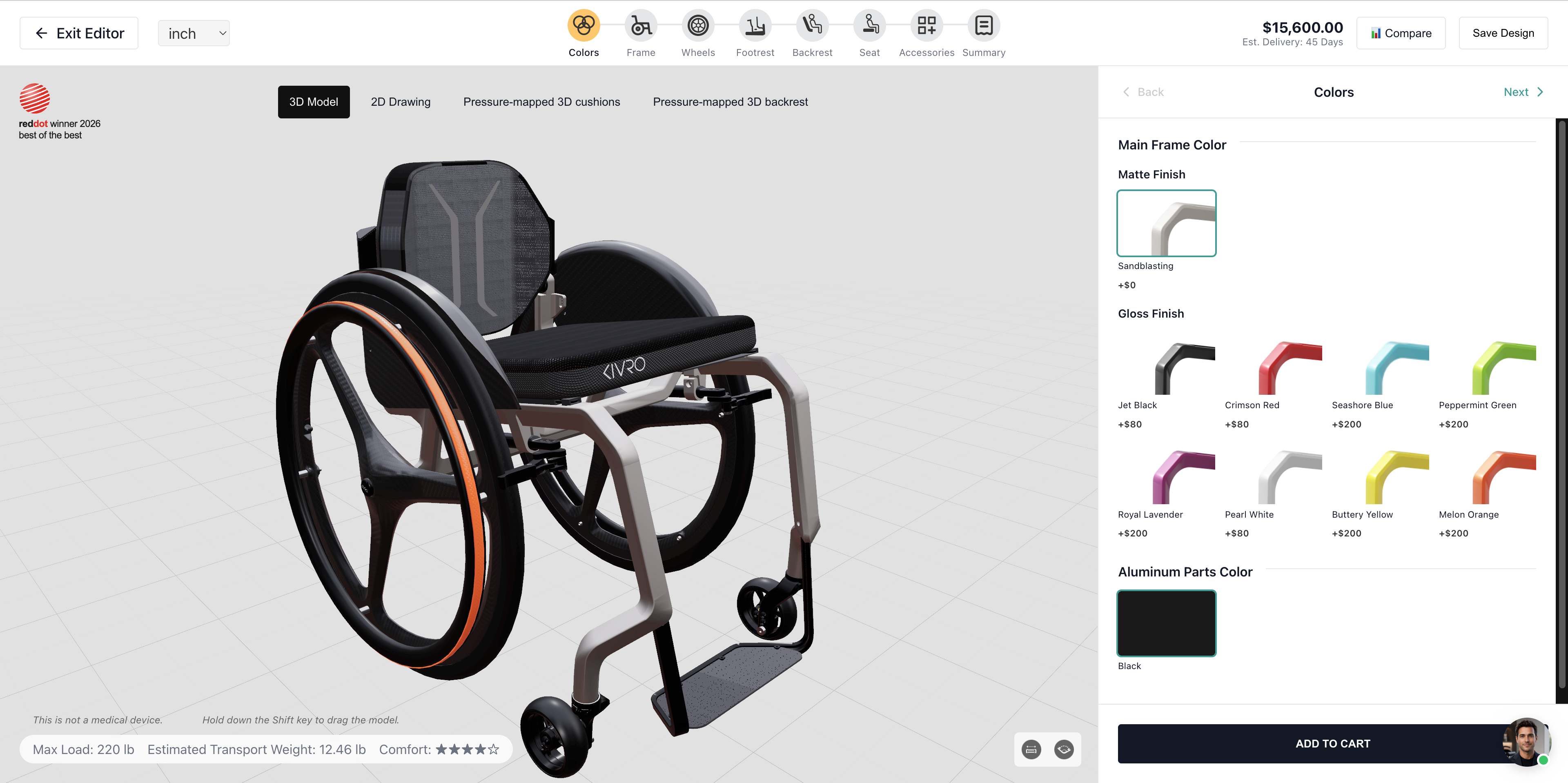
Structured the configurator around a step-based navigation system, while keeping the product visualization and current options visible within the same workspace.
Configurator


Colors

Frame

Wheels

Footrest

Backrest

Seat

Accessories

Summary
3D Model
·
2D Drawing
·
Pressure-mapped 3D cushions
·
Pressure-mapped 3D backrest
RETROSPECTIVE EXPLANATORY DIAGRAM
Framework in the final experience
DEEP DIVE FRAME CUSTOMIZATION
Designing the Frame configuration experience.
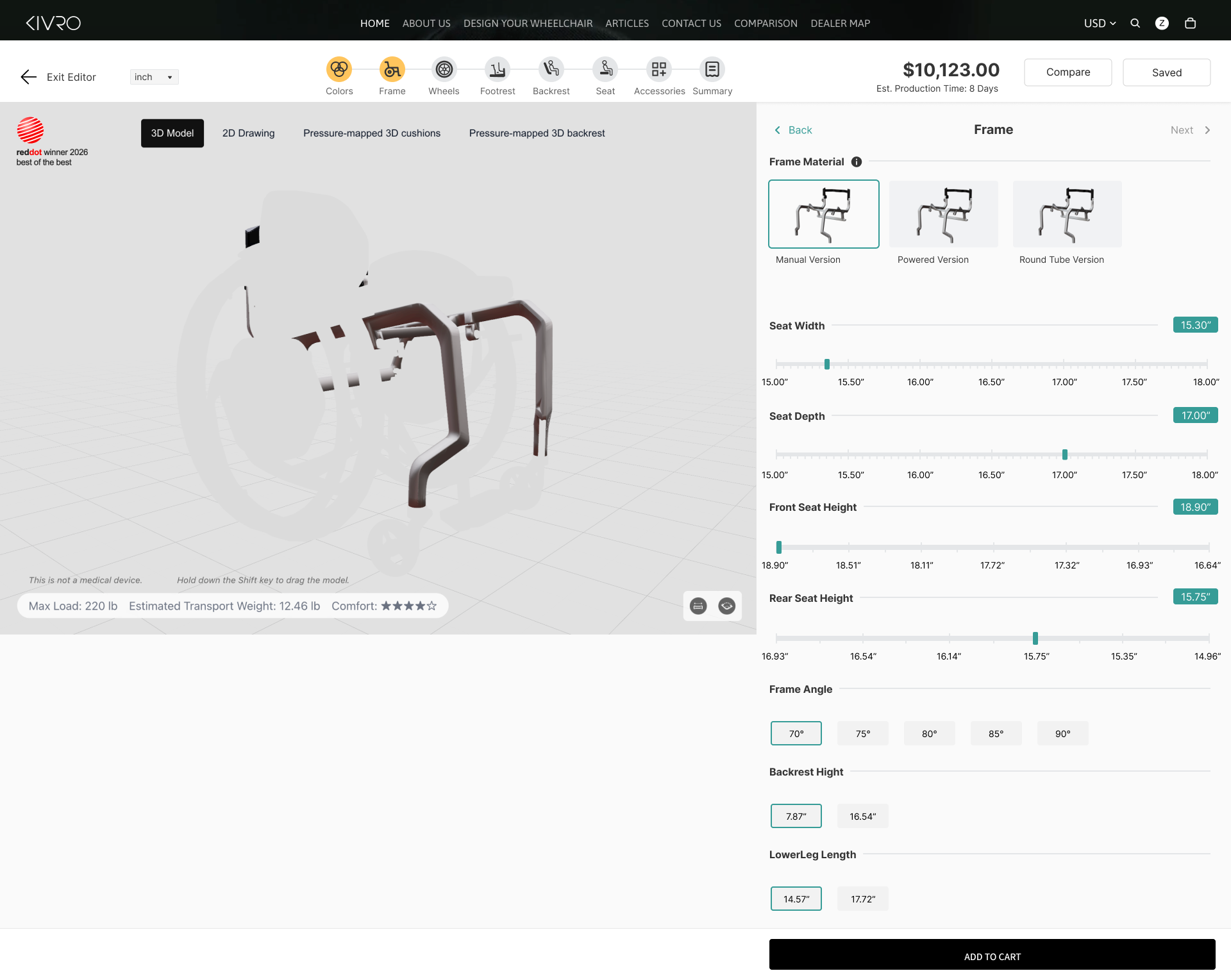
This was one of my deepest areas of ownership: translating frame-related options, parameters, and visual states into a configuration flow that stays understandable.
01
Manage option dependencies
Each frame type enables only compatible wheel options.
02
Adjust Key Parameters
Use sliders and inputs for precise customization.
03
Connect choice to the product
Selections instantly updates the 3D model.
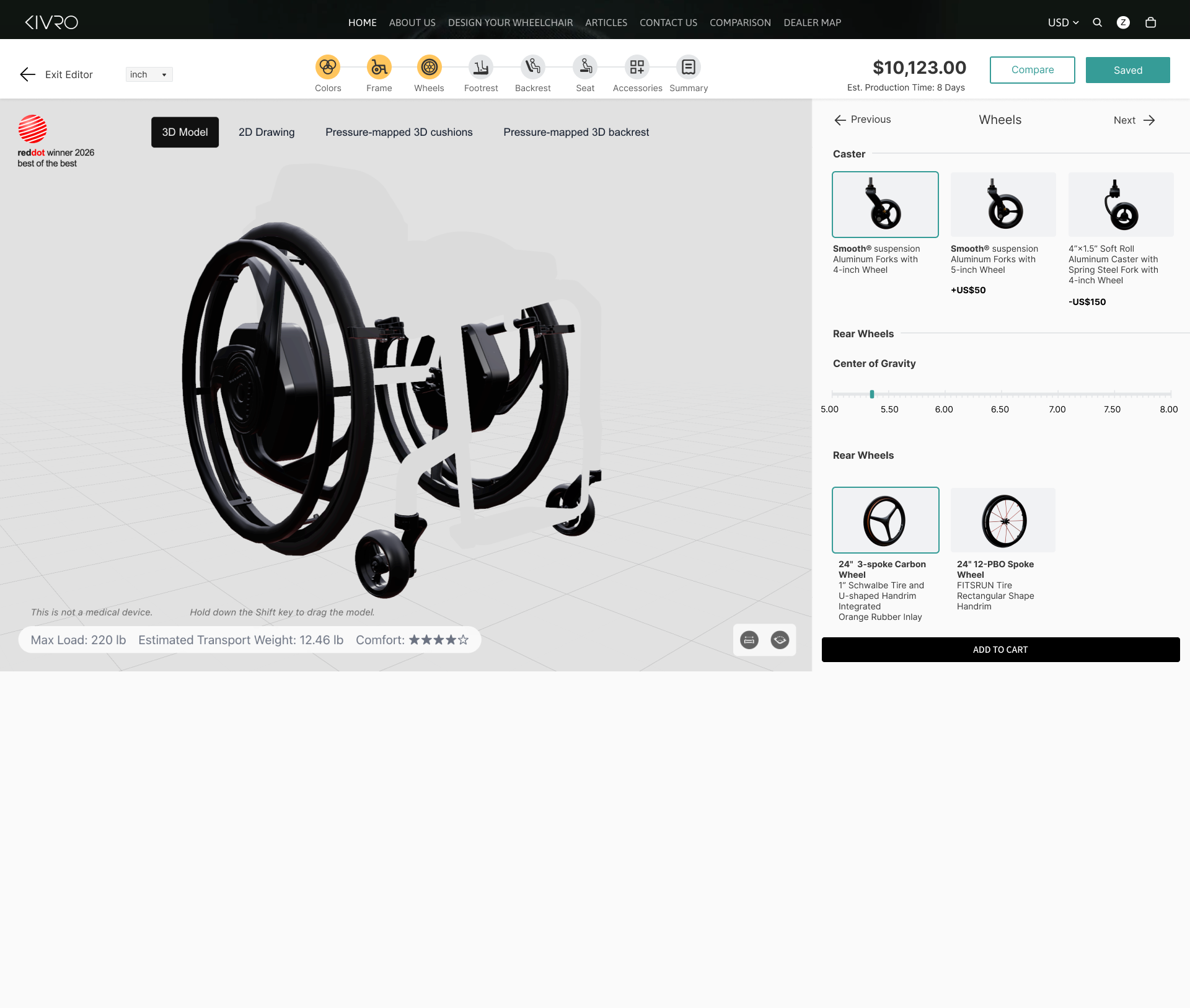
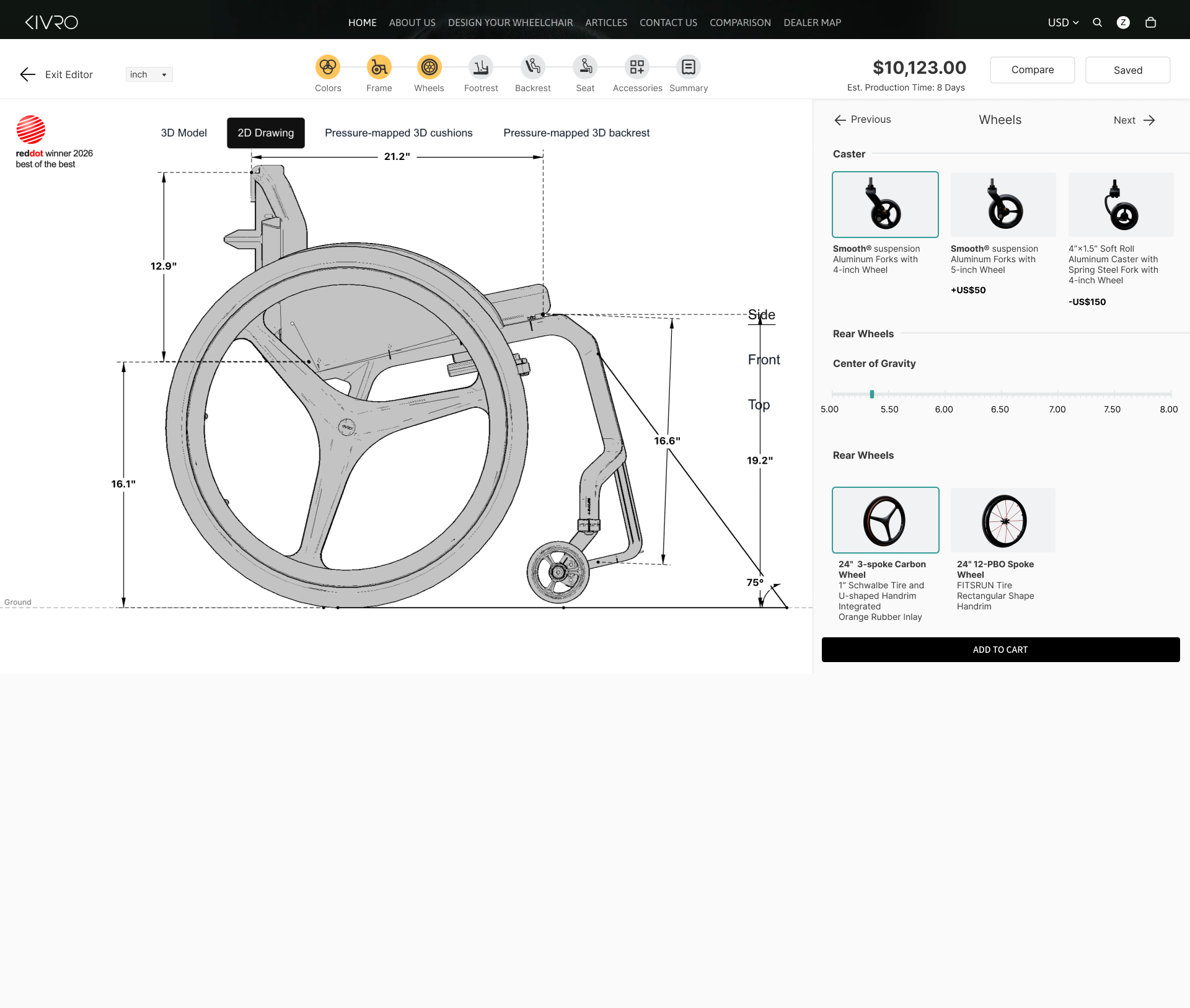
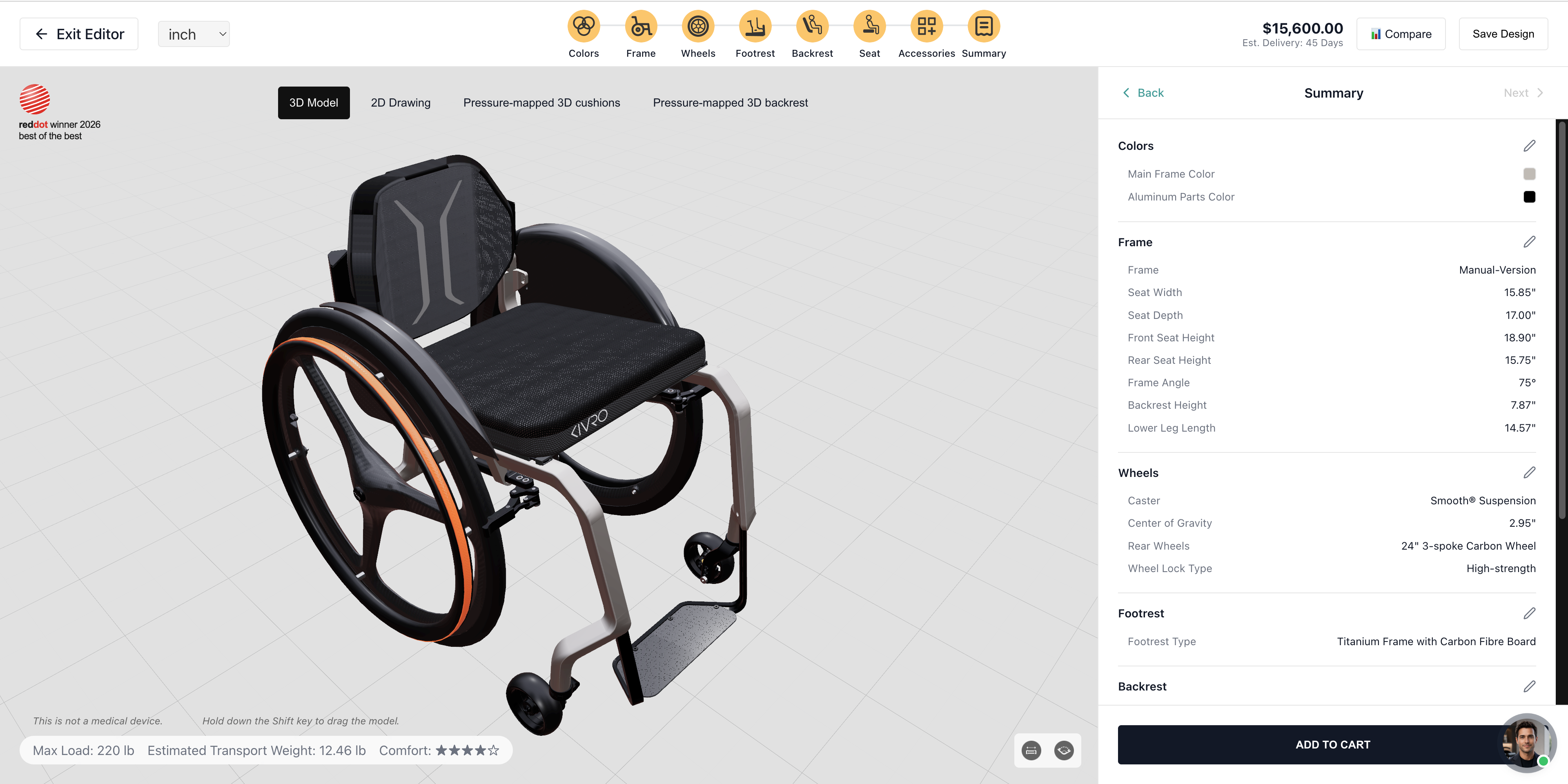
SELECT → PREVIEW → UNDERSTAND
SCAN DATA VISUALIZATION
Turning complex scan data into usable information.
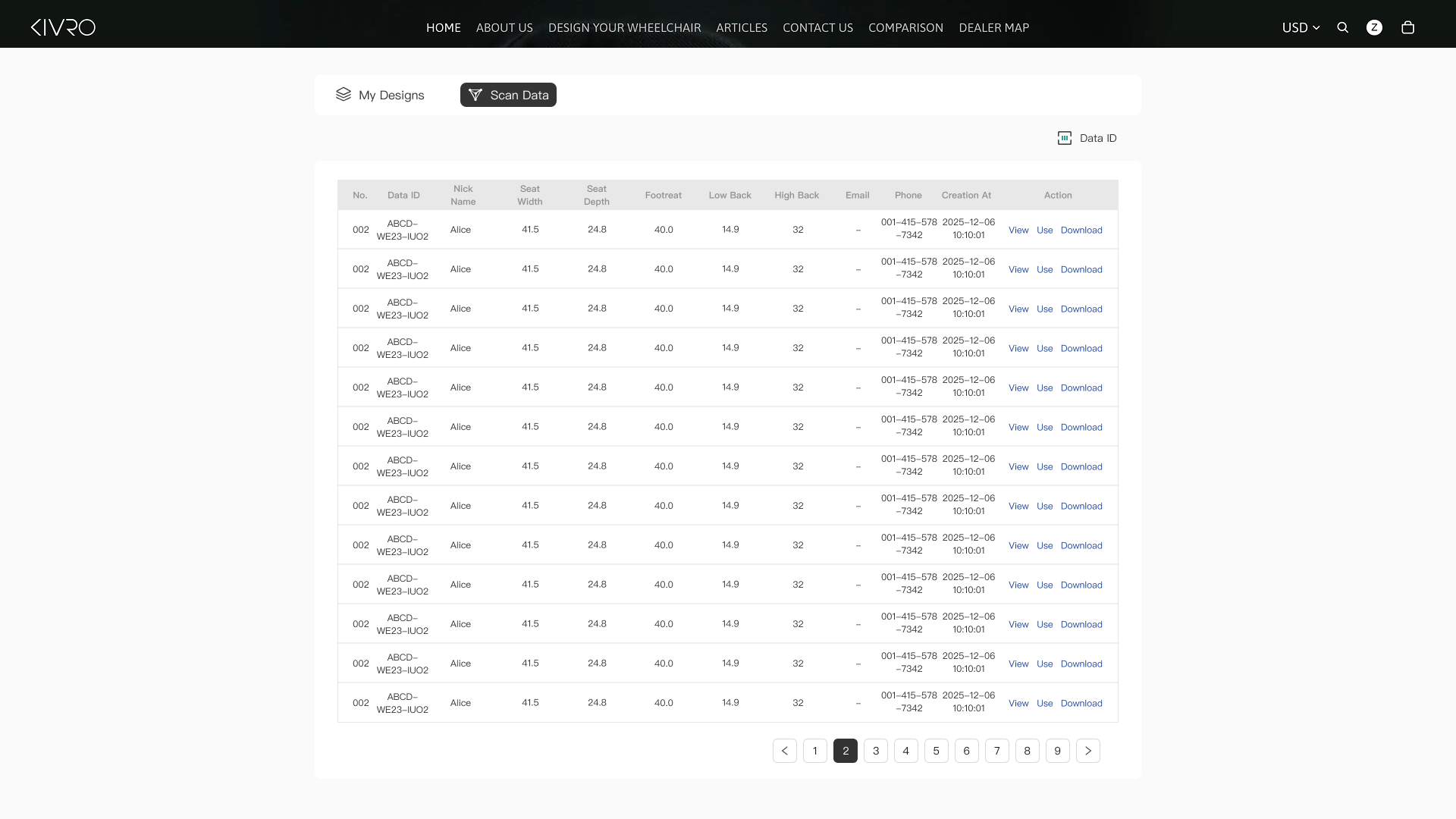
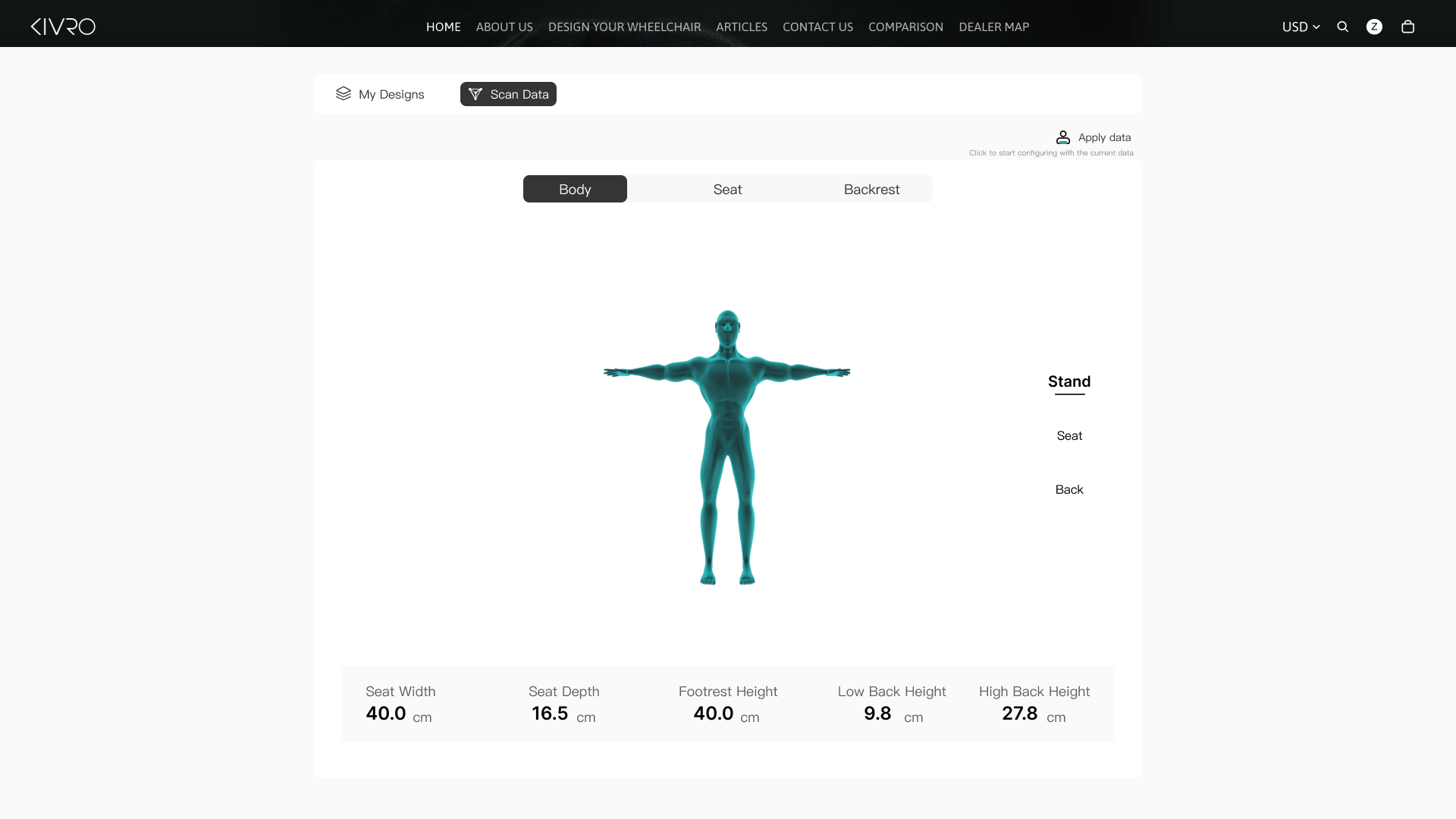
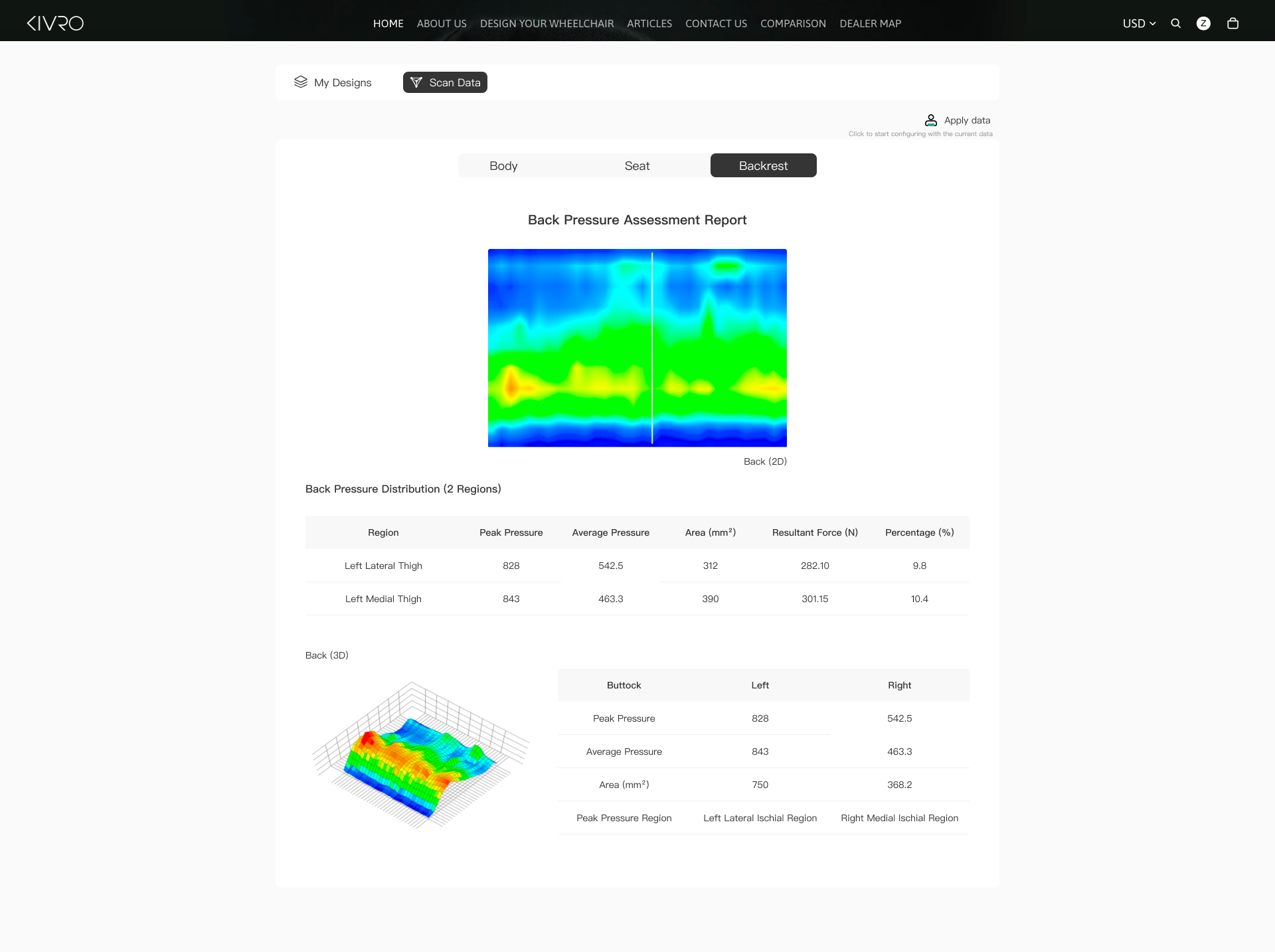
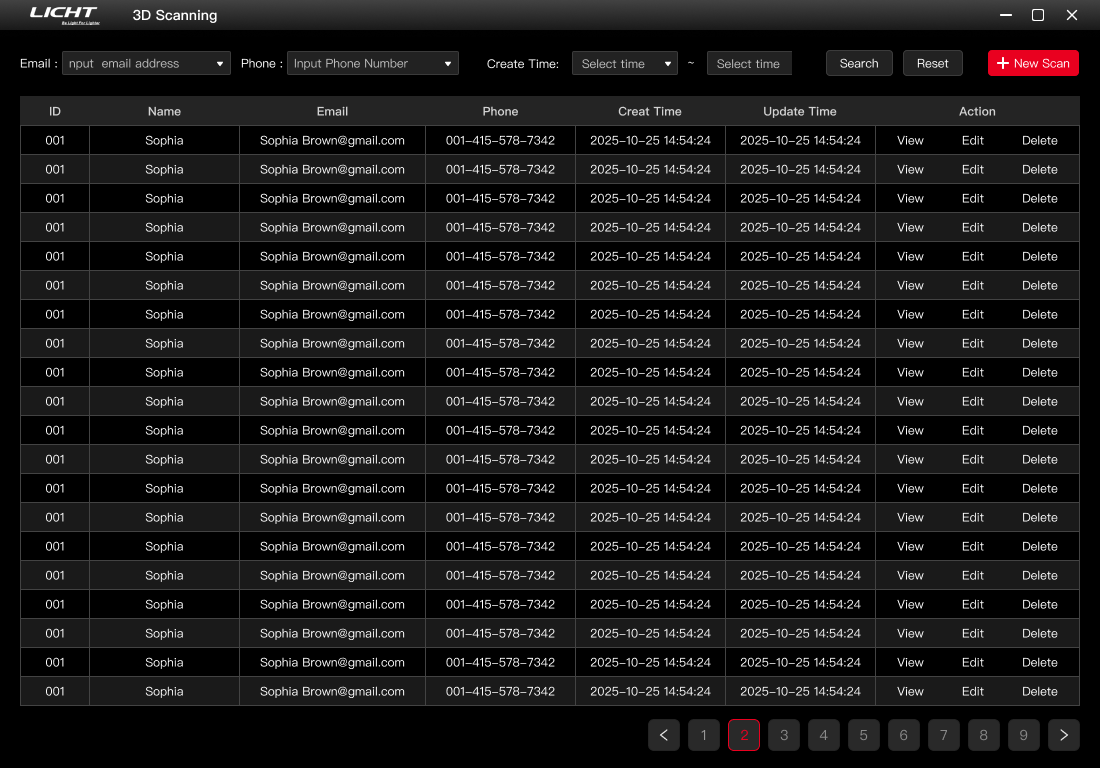
I designed how body measurements and pressure data are organized, visualized, and accessed across the scanning workflow.
01
Organize scan records
Keep patient measurements easy to retrieve and reuse.
02
Visualize body data
Connect measurements to a visual body model.
03
Translate pressure data
Turn pressure readings into clear 2D and 3D views.
3D SCANNING SOFTWARE
From product decisions to body data.
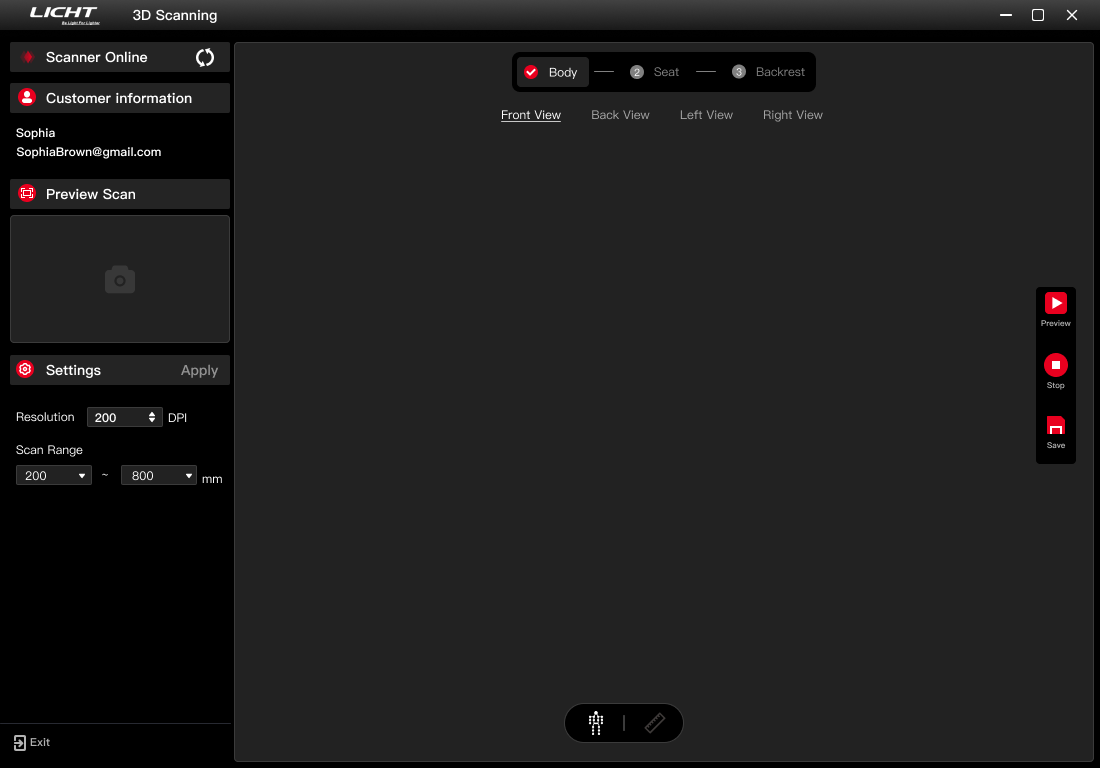
A related desktop tool supports professional and hospital-facing workflows by turning 3D body scans into visible point-cloud and measurement data for customization.


3D SCAN
Customer Records
Workspace
01
3D SCAN
02
POINt CLOUD
03
MEASUREMENTS
04
CUSTOM PRODUCT
Connecting the system
Two interfaces. One customization ecosystem.
Configurator
CUSTOMER
Explore
·
Configure
·
Visualize
·
Decide
3D Scanner
PROFESSIONAL / CLINICAL
Scan
·
Measure
·
Interpret
·
Customize
Both experiences translate complex physical-product information into understandable digital interactions.
Explore More
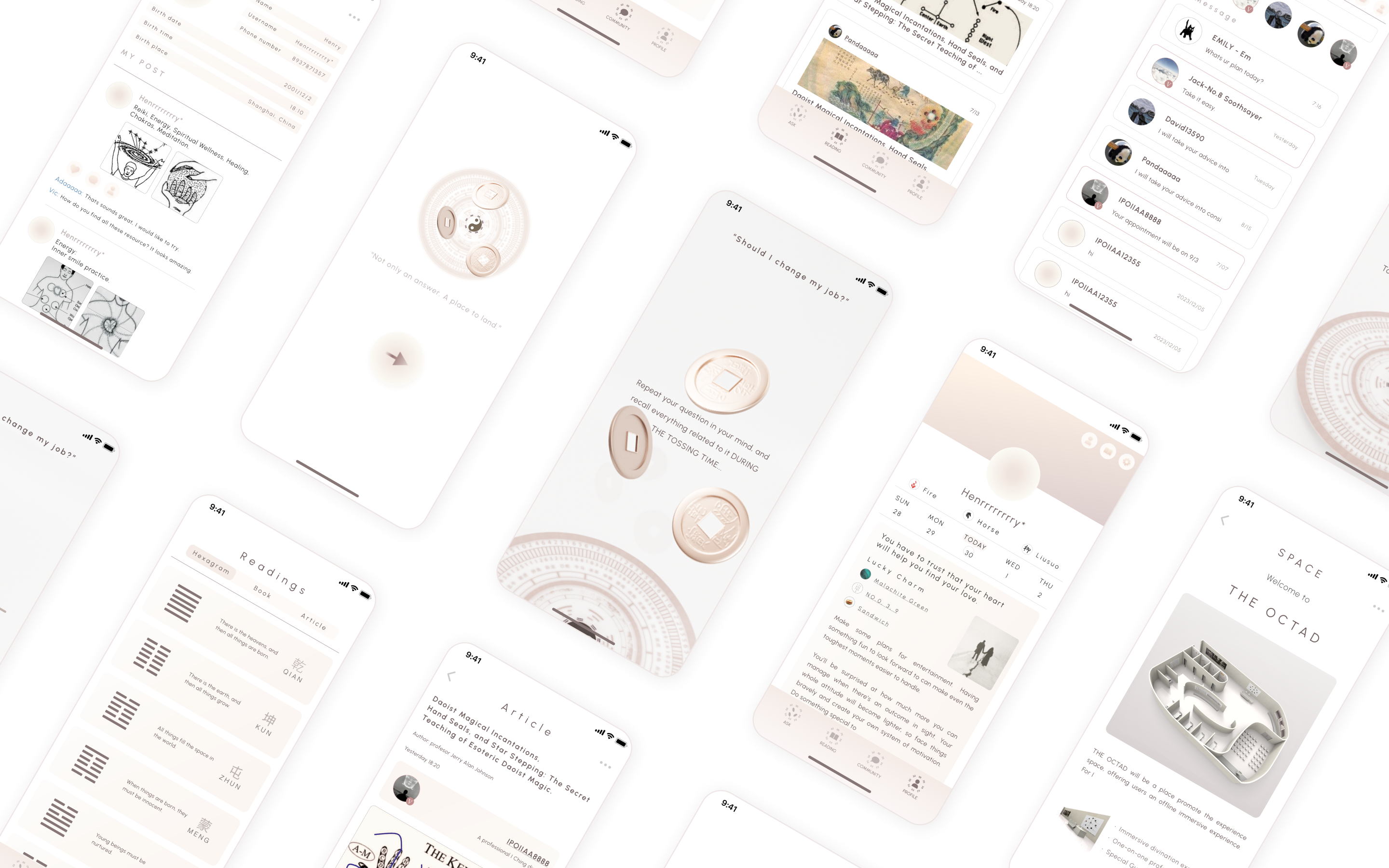
The Infinity
3 Month, Sep, 2024
A divination app designed as an emotional support tool that helping people sit with uncertainty and feel less alone.
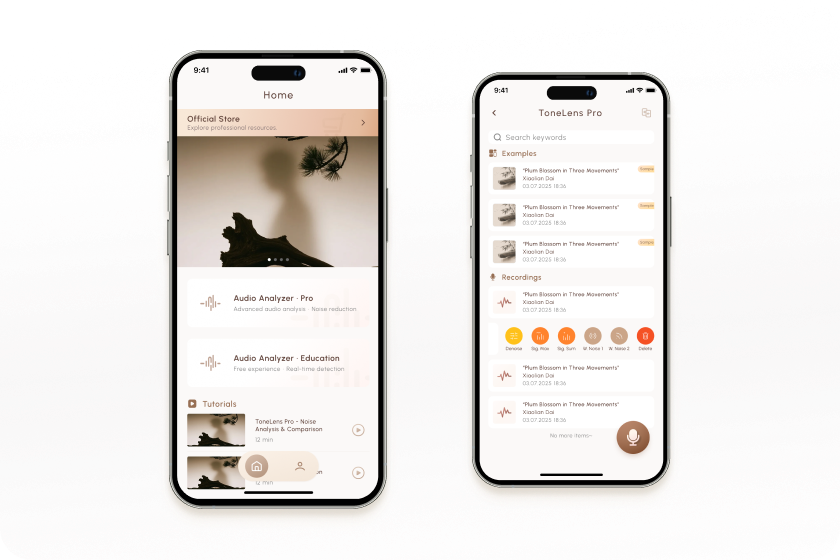
Daixian
2 Month, May, 2026
Turning audio analysis technology into an intuitive product experience.
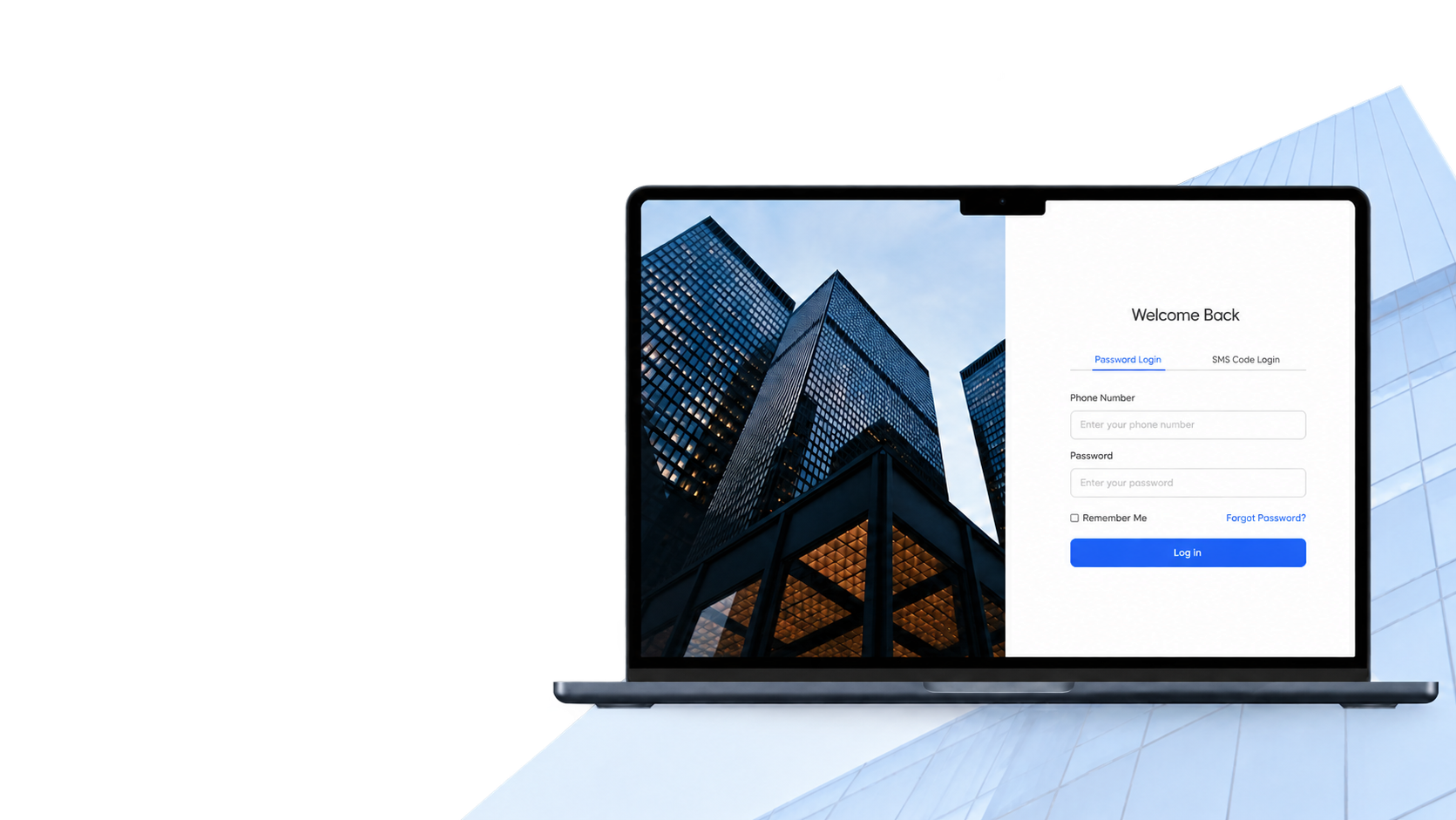
Yuntuo
2 Month, June, 2026
A clearer review workflow for a data-heavy B2B research platform.